SHARE

Why Slow Estimate Follow-Ups Cost Calgary Roofing Companies Jobs and How Roofing Estimate Automation Can Fix It in 2026
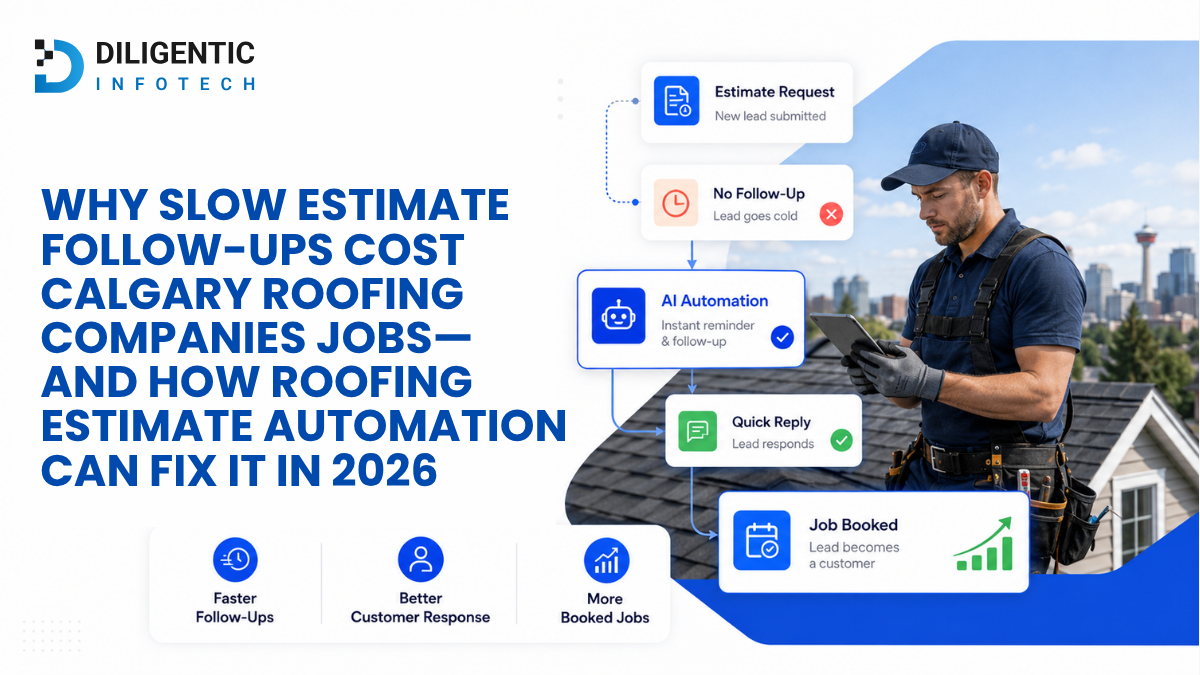
Roofing estimate automation helps Calgary contractors keep sent quotes from disappearing into an inbox or an outdated CRM record. It gives each estimate an owner and a next action, then pauses routine follow-up when the customer replies. That can reduce missed opportunities, but it cannot guarantee that a homeowner will award the job.
A quote may be carefully prepared and still go quiet after it is sent. The estimator expects the office to follow up. The office assumes the estimator will call. Meanwhile, the homeowner asks a question by text, and neither person sees it in the estimate record. The gap is in the handoff, not necessarily the quote.
Table of Contents
Why a sent roofing estimate can lose its next step
Most roofing teams already have a way to prepare an estimate. The difficulty comes after delivery: someone must confirm the customer received it, answer questions, record changes and know when to check back. If those actions live in separate inboxes and personal calendars, a manager cannot easily see which quotes need attention.
Start by looking for three conditions in your current process:
- A sent estimate has no named follow-up owner or date.
- A customer reply reaches email or text but does not reach the person responsible for the quote.
- A revised estimate replaces an earlier one, yet the old reminder remains active.
These gaps can leave a customer waiting or produce an irrelevant reminder after the conversation has moved on. The practical goal is to make the next action visible, even when the assigned employee is away.
What roofing estimate automation actually does
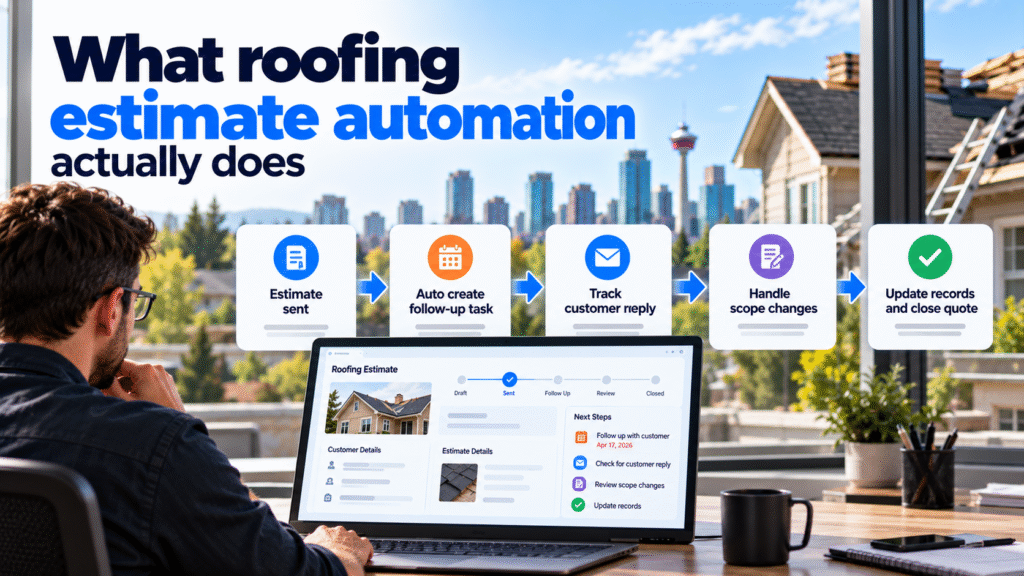
Roofing estimate automation uses an agreed event, such as an estimate changing to sent, to create the next approved task or update. The estimate, customer record and communication history need a reliable way to share the necessary information. If a current platform cannot expose a status or customer reply, that limitation must be identified before promising the workflow.
| Situation | Manual process | Connected workflow |
|---|---|---|
| Estimate sent | Estimator remembers to add a reminder | Creates a dated task for a named employee |
| No response by the chosen date | Someone checks open quotes | Flags the quote or prepares the approved next step |
| Customer replies | Employee finds and relays the message | Pauses routine reminders and assigns the reply |
| Scope changes | Team updates several records | Holds the quote for a person to review and issue a revision |
| Quote accepted or declined | Employee closes the opportunity | Updates supported records and stops further sales follow-up |
The company decides when to follow up, which channel to use and who may send a message. A connected workflow carries out those decisions; it should not create its own sales policy.
A Calgary roofing quote with a scope-change reply
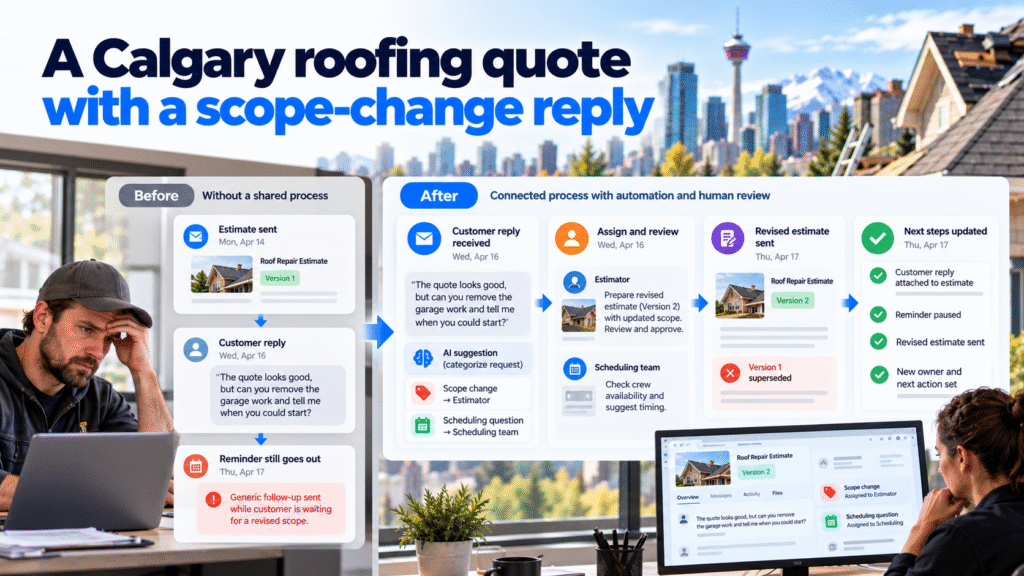
Hypothetical workflow, not a client result. A Calgary roofing company emails a homeowner an estimate for roof repairs. The estimator marks version 1 as sent on Monday and assigns a check-in to the salesperson for Thursday. The customer replies on Wednesday: “The quote looks good, but can you remove the garage work and tell me when you could start?”
Without a shared process, the salesperson might not see the email. Thursday’s generic reminder could still go out, while the customer is waiting for a revised scope and an answer about timing.
In a connected process, the incoming reply is attached to the correct estimate and pauses the Thursday reminder. The office assigns the scope question to the estimator and the scheduling question to the employee who can check crew availability. An AI step could suggest those two categories from the customer’s message, but an employee reads the original before relying on that suggestion.
The estimator then prepares version 2 and approves its price and scope. The earlier version is marked superseded so it cannot trigger another follow-up. The scheduling employee checks the current plan before anyone promises a start date. When the revised estimate is sent, it receives a new owner and next action.
This example depends on the company’s actual tools, connection access and approval rules. If the message cannot be matched confidently to one estimate, it should wait in a review queue rather than being attached to the wrong job.
Where rules are enough, and where AI might help
Predictable events do not require AI. A sent status can create a task. A recorded decline can stop reminders. A due date can put an unanswered quote on a salesperson’s review list. These actions rely on reliable records and straightforward rules.
AI may be useful when a customer writes an open-ended reply. It could flag that the message contains a scope change, a timing question or a complaint, then show the source text to the employee handling it. The team still decides what the customer should receive.
Keep pricing, discounts, revised scope, contractual terms and start-date commitments with authorized people. A classifier can miss a detail or misunderstand which estimate a reply concerns. Build an exception path for uncertain matches and failed connections before adding more automatic steps.
Set follow-up and privacy rules before sending messages
Define what stops a reminder: a reply, a decline, an acceptance, a request to stop contact, or a new estimate version. If an employee is already speaking with the homeowner by phone, the team also needs a way to record that conversation so an old reminder does not fire.
Email and text follow-ups need a communication review. The CRTC’s guidance on Canada’s anti-spam law sets out requirements for commercial electronic messages, including consent, identification and an unsubscribe mechanism where applicable. The treatment of a requested quote and later marketing messages can differ, so the company should check the planned sequence before enabling it.
Customer names, contact details and project information must also be handled carefully when tools share records. Alberta’s privacy commissioner guidance on PIPA says organizations subject to the law must keep personal information secure. Limit access to employees and connected services that need it, and decide how long records should be retained.
Start with a small follow-up pilot
Before connecting everything, choose one estimate type and map what happens from sent to accepted, declined, revised or closed without a decision. Identify the record that holds the current version, the person responsible for follow-up and the places where customer replies arrive.
Then test a few ordinary and difficult cases: an unanswered quote, a reply by text, a scope change, a wrong customer match and a failed connection. Check whether the right person receives the task and whether an outdated reminder stops. Compare the team’s active follow-up work and missed handoffs before and after the pilot; count correction work too. This tests the process without assuming it will win more jobs.
Diligentic’s system integration service covers connections between existing customer, job and accounting tools. Its roofing page describes related lead and estimate handoffs. If the larger problem is tracking work from estimate through completion, the roofing job-management guide covers that wider process.
Frequently asked questions
Does roofing estimate automation send follow-up messages automatically?
It can create tasks, prepare messages or send approved communications if the connected tools and company rules support that action. A team should confirm the message type, timing, consent requirements and stop conditions before enabling automatic sending.
Can it work with an existing CRM and estimating tool?
Possibly. The tools must provide dependable access to estimate status, customer details and, if replies should pause reminders, the relevant communication channel. Test those connections before committing to a particular design.
What should happen when a customer asks to change the quote?
Pause standard follow-up and assign the request to an authorized employee. That person checks the scope and price, issues a revised estimate if needed, and closes or supersedes the earlier version.
Does AI need to read every customer reply?
No. A simple reply alert may be enough. Use AI only if sorting varied messages would save meaningful review work, and keep the original message available to the employee.
Give every open estimate a clear next action
Pick five recent roofing estimates and check whether each has a current version, a follow-up owner, a next date and a record of customer replies. Any missing field shows where a reminder or handoff could fail.
Diligentic can map that process and assess whether the tools you already use can support a dependable follow-up workflow. Book a qualifying call about your estimate follow-up. If there is a fit, Ajay can arrange an in-person workflow audit in Calgary after the call.
About the author
Ajay Kumar
Founder and Director
About the author
Ajay Kumar is the founder and director of Diligentic Infotech, a Calgary AI automation company. He has 9+ years of hands-on technical experience and now focuses on helping small and medium businesses connect their existing tools and cut down manual work through practical AI automation. He leads with a clear focus on real, working solutions over one-time demos.
Posted on 30 Oct 2026
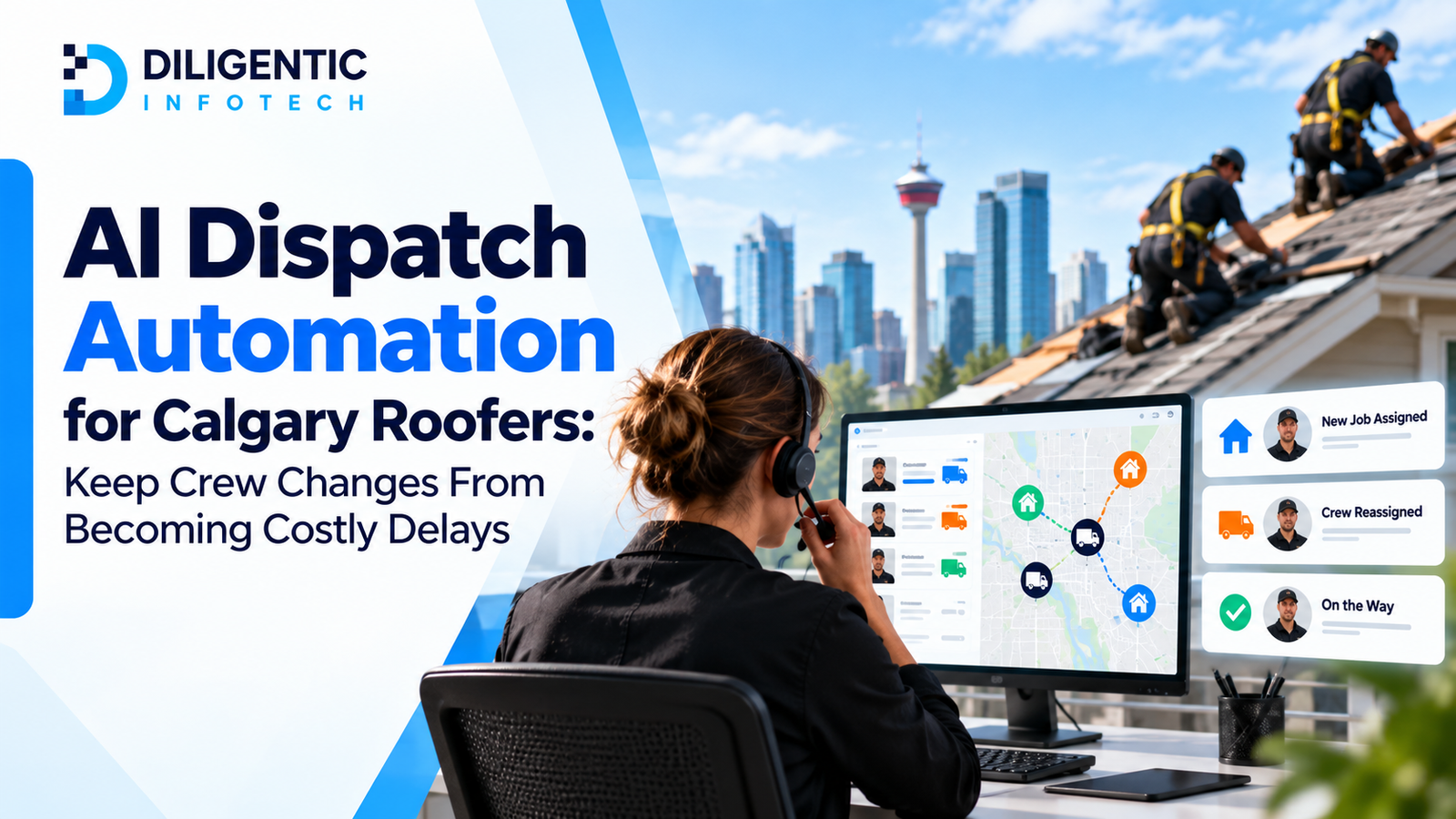
AI Dispatch Automation for Calgary Roofers: Keep Crew Changes From Becoming Costly Delays
The crew reaches the address on its Tuesday schedule. The shingles will not arrive until Wednesday, and the office has not assigned another job. In this hypothetical Calgary roofing scenario, four paid workers wait while dispatch checks what work is ready and which customers need an update. The business can measure that interruption in waiting time, added travel and office correction work.

Posted on 29 Oct 2026
Manual vs. AI-Assisted Invoicing in 2026: How Roofing Invoicing Automation Helps Calgary Contractors Get Paid Sooner
Roofing invoicing automation addresses a familiar office bottleneck: the roof is finished, but billing is waiting for photos, a change approval, or someone to enter the final details. For Calgary contractors, connecting those records can reduce the delay before an accurate invoice reaches the customer. AI may assist with reading notes; routine transfers and calculations can use standard rules.

Posted on 25 Sep 2026
Roofing CRM vs Estimating Software in 2026: 7 Things Calgary Roofers Must Know Before Choosing Software
When comparing Roofing CRM vs Estimating Software, it is important to understand that they solve different business problems. Estimating software focuses on measurements, materials, labor costs, and pricing, while a roofing CRM manages leads, customer communication, scheduling, job tracking, and follow-ups. Many roofing companies eventually need a connected system that combines both functions to improve efficiency, reduce manual work, and support long-term growth.