SHARE

Why Plumbing Office Work Slows Calgary Contractors—and How to Reduce It

Plumbing office work grows when every service call creates another set of manual updates. A dispatcher changes the schedule, a technician sends details from the site, and someone in billing checks what can go on the invoice. For a Calgary plumbing company, the problem is often the time spent passing information between those people.
A clear job record and a few well-placed automations can reduce that work. They can also help completed jobs reach billing sooner. The first step is to find which handoff takes the most staff time.
Table of Contents
Look for the work between the jobs
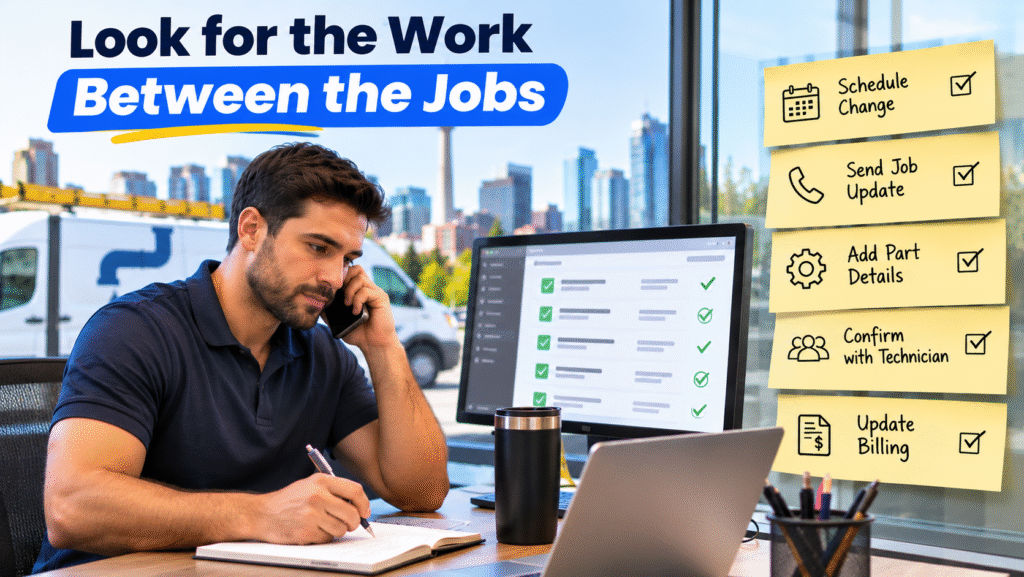
An office can be busy even when every appointment is on the calendar. A customer changes an access time. The dispatcher calls the plumber and updates the schedule. Later, the technician sends a photo and part details by message. Billing asks which job the part belongs to.
Each action is small. Repeating it across a full week of calls creates a queue of questions that staff must resolve before moving on.
Follow ten recent jobs and mark every time someone had to copy a detail, request an update or find a decision in a message. Separate work that needs a person from work that follows a consistent rule. A dispatcher should decide how to handle a difficult scheduling conflict; a routine appointment confirmation should not have to be written from scratch each time.
Diligentic’s plumbing industry page describes the dispatch, job-change and billing handoffs that plumbing teams need to coordinate.
A condo service call with an incomplete office record
Consider a hypothetical service call at a Calgary condo building. The property manager requests a repair and gives the office a unit number, access window and work-order reference. The dispatcher books the visit. At the property, the plumber uses an additional fitting and records the completed work.
The repair is finished, but the office has two questions. The part has not been assigned to the job, and the work-order reference is still in the original booking message rather than the billing record. An administrator contacts the plumber about the part and searches for the reference before preparing the invoice.
Neither question requires AI. The booking process can put the work-order reference in a field billing can use. A closeout check can ask the plumber to enter the fitting before marking the record ready for billing. If the customer requested work beyond the agreed scope, an employee checks what approval the agreement requires and records the decision.
The improved process gives the office a reliable answer to one question: Is this job ready to invoice, or who needs to act next?
Make one job record useful to everyone
A shared job record does not mean every employee edits every detail. It means staff can find the current information without reconstructing the service call from texts and emails.
Decide where each detail belongs. Booking may hold the customer’s address and access instructions. The field record may hold work completed, labour and parts. Accounting should hold the invoice and payment status. Use the same job identifier when those details move between tools.
Give incomplete jobs a visible status and an owner. “Waiting for part details from technician” tells the office what to do. “Job complete” does not, if billing still lacks information.
This is also where a Calgary plumbing office can spot a process problem. If the same detail is missing on many jobs, improve how it is captured. If each job waits for a different manager’s decision, clarify the approval route.
Use automation for the repeatable steps
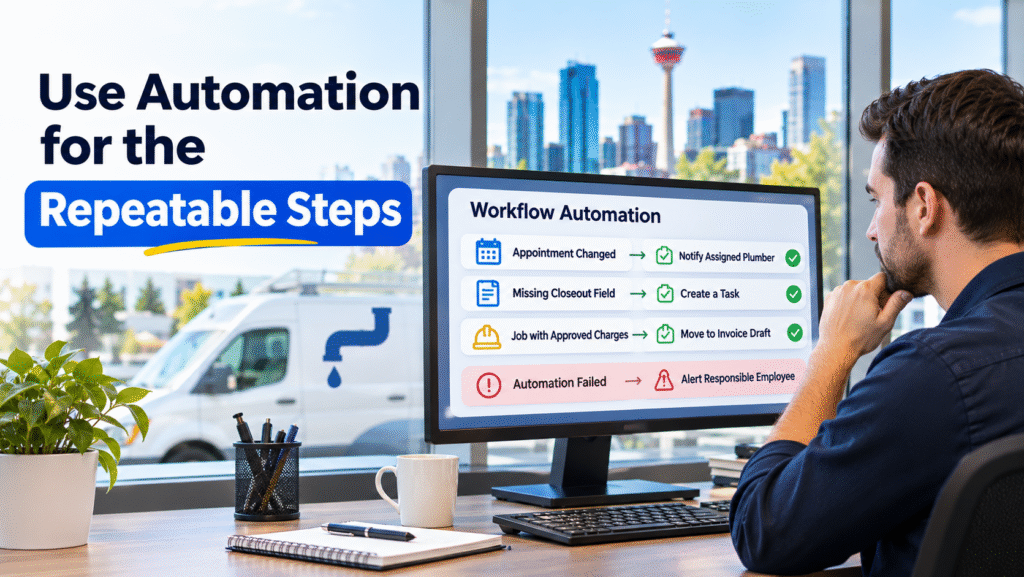
Rule-based automation works when the required action is known. A changed appointment can notify the assigned plumber. A missing closeout field can create a task. A job with complete records and approved charges can move into an invoice draft.
AI workflow automation has a more specific role when information is less structured. It might sort incoming requests by topic or flag a technician note that appears to describe additional work. An employee should review the original wording before changing a customer commitment or invoice amount.
The workflow also needs to show when something fails. If an approved job does not transfer to accounting, an alert should identify the job and the employee responsible for resolving it. Otherwise, the office may believe billing has started when the record is still waiting.
Diligentic’s process automation service addresses these triggers, assignments and exception paths.
Connect tools only where a handoff needs it
A company does not need to replace a working scheduling or accounting tool simply because staff repeat one task. First, identify the information that must move and whether the current tools can share it accurately.
For example, sending an approved job total to accounting may be useful. Sending every draft field before it has been checked may create corrections. Test rescheduled visits, duplicate customer names, missing parts and failed transfers before relying on a connection in daily work.
Diligentic’s system integration service is relevant when existing job, scheduling and accounting tools need to exchange approved information. The connection should remove a measured source of office work and leave employees a clear way to handle exceptions.
Check billing time and payment time separately
For jobs billed after completion, compare the finish date with the date the invoice reaches the customer. That shows how long completed work waited inside the company’s process.
Then look at the time from invoice delivery to payment. Those dates answer a different question. Customer terms, questions and disputes affect when money arrives. Sending an accurate invoice sooner starts the request for payment sooner, but its effect on cash flow must be checked against actual payment records.
Payment reminders can follow the company’s policy. Before one is sent, the workflow should check accounting for a posted payment, pending credit or dispute that needs an employee’s attention.
Measure whether office work decreased
Choose similar jobs before and after changing one handoff. Track a few measures the team can collect consistently:
| Measure | What it shows |
|---|---|
| Administrative minutes per job | Whether copying and chasing updates take less time |
| Jobs missing closeout details | Whether field records reach billing complete |
| Completion-to-invoice time | Whether finished jobs are invoiced sooner |
| Invoice corrections | Whether billing receives accurate information |
Record employee review time and failed automation runs too. A process that saves a few minutes of entry but creates frequent corrections may not be an improvement.
Track invoice-to-payment time separately. More staff capacity is useful, but it becomes a cash saving only if an actual cost falls. Whether the company can take on more jobs also depends on demand, technician availability and service quality.
Frequently asked questions
What plumbing office task should be improved first?
Start with a task that repeats across many jobs and has a clear owner. Review recent service calls to see whether booking updates, technician closeout or billing preparation creates the most avoidable work.
Can AI approve additional plumbing work?
AI can flag a note that may describe additional work. An authorized person must check the scope, price and customer approval required by the agreement.
Will plumbers need to enter more information?
A useful closeout process asks only for details the next person needs. Removing duplicate entry and making fields clearer should be part of the design.
Does faster invoicing mean faster payment?
It gives the customer the invoice sooner. The payment date still depends on the agreed terms and what happens after delivery, so measure both intervals.
Improve one handoff at a time
Pick a recurring office question, find the job details needed to answer it and give the next action an owner. Test that change on a small group of jobs before connecting more tools. The result will show whether the team needs a clearer process, automation or both.
Diligentic can review a Calgary plumbing company’s field-to-office workflow and identify a practical first improvement. Book a qualifying call to discuss the handoff taking the most office time. If there is a fit, an in-person workflow audit can be arranged in Calgary after the call.
About the author
Ajay Kumar
Founder and Director
About the author
Ajay Kumar is the founder and director of Diligentic Infotech, a Calgary AI automation company. He has 9+ years of hands-on technical experience and now focuses on helping small and medium businesses connect their existing tools and cut down manual work through practical AI automation. He leads with a clear focus on real, working solutions over one-time demos.

Posted on 27 Jul 2026
How Plumbing Companies Calgary Lose Revenue Due to Disconnected Systems—and How AI Automation Fixes It in 2026
Plumbing companies often lose revenue because job information doesn’t move smoothly from scheduling and field service systems into invoicing and accounting.
A technician may complete the work, but missing notes, unrecorded materials, delayed approvals, or disconnected customer updates can prevent the business from billing the full value of the job.
Posted on 8 Jul 2026
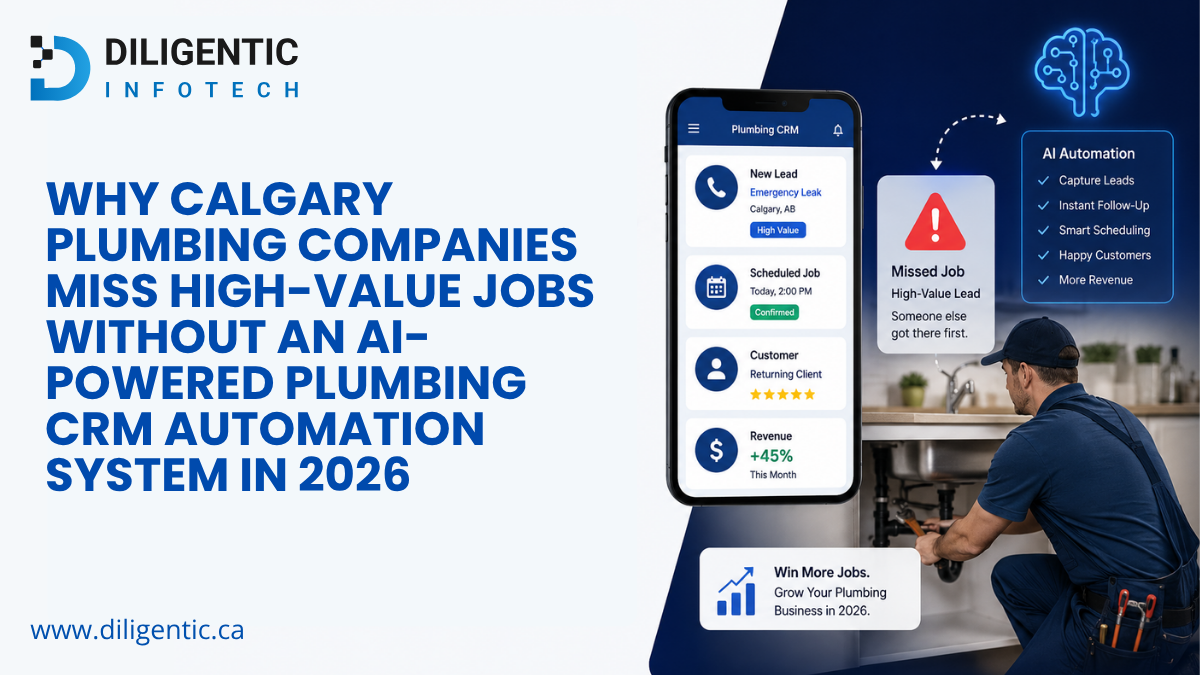
Why Calgary Plumbing Companies Miss High-Value Jobs Without an AI-Powered Plumbing CRM Automation System in 2026
Calgary Plumbing Companies are not always losing high-value jobs because they lack leads. Many are losing opportunities after the lead arrives.
They invest in SEO, Google Ads, referrals, local service pages, and repeat customer marketing. But when nobody follows up quickly, quotes sit untouched, CRM reminders are missed, and the office team is buried in manual work, those leads quietly turn into lost revenue.

Posted on 16 Nov 2026
Plumbing Data Entry Automation for Calgary Companies: Which Job Details Should Move?
A customer’s service address is entered when they book a plumbing visit. The office copies it into the schedule. After the job, someone enters the technician’s labour and materials into billing software. The same job has moved forward, but its details have been typed more than once.