SHARE

Plumbing Data Entry Automation for Calgary Companies: Which Job Details Should Move?
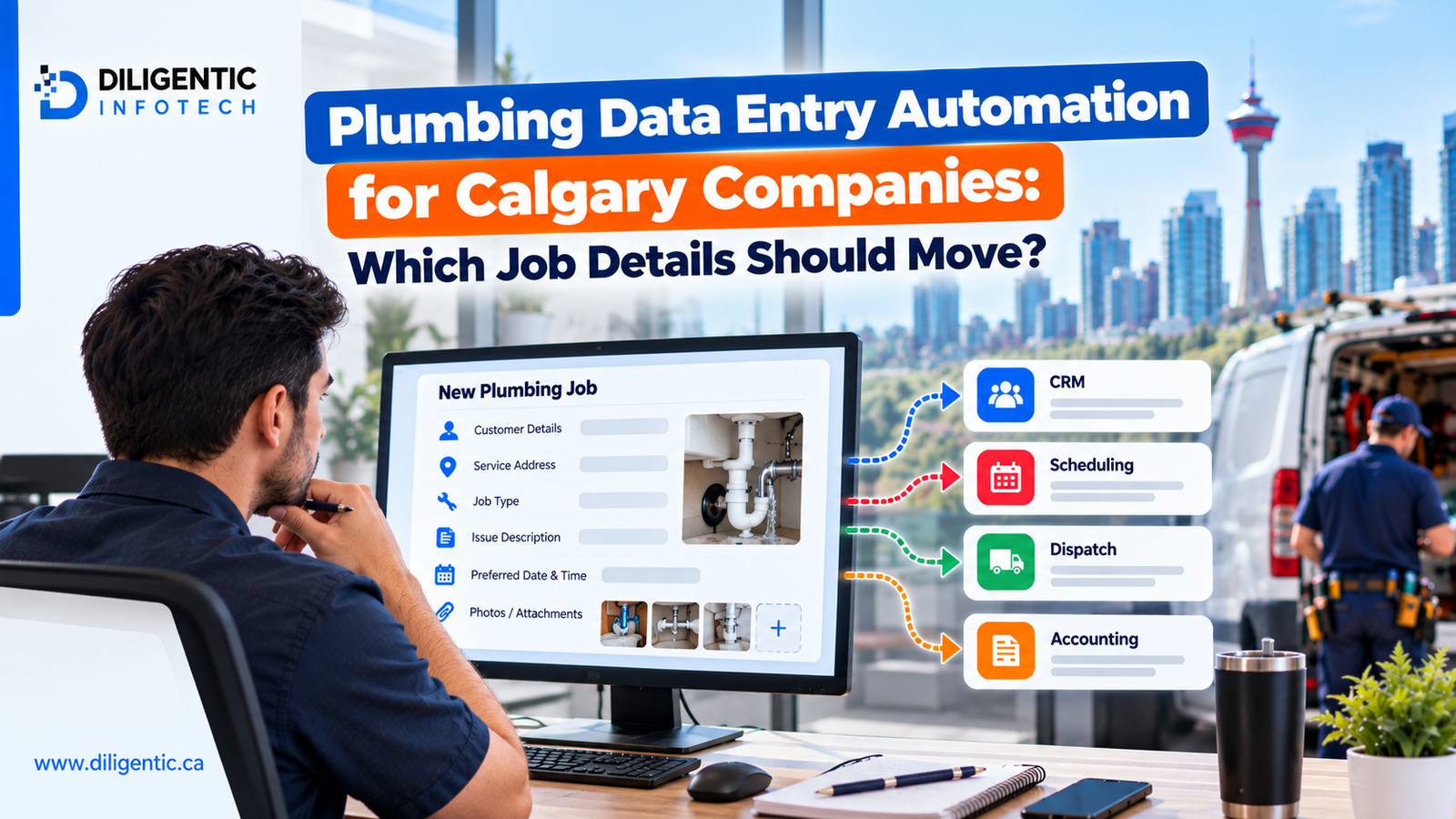
A customer’s service address is entered when they book a plumbing visit. The office copies it into the schedule. After the job, someone enters the technician’s labour and materials into billing software. The same job has moved forward, but its details have been typed more than once.
Plumbing data entry automation starts by identifying each repeated detail: where it originates, who can change it and which tool needs it next. This gives a Calgary plumbing company a specific problem to fix instead of a broad goal to connect every system.
Table of Contents
Map the job details before connecting software
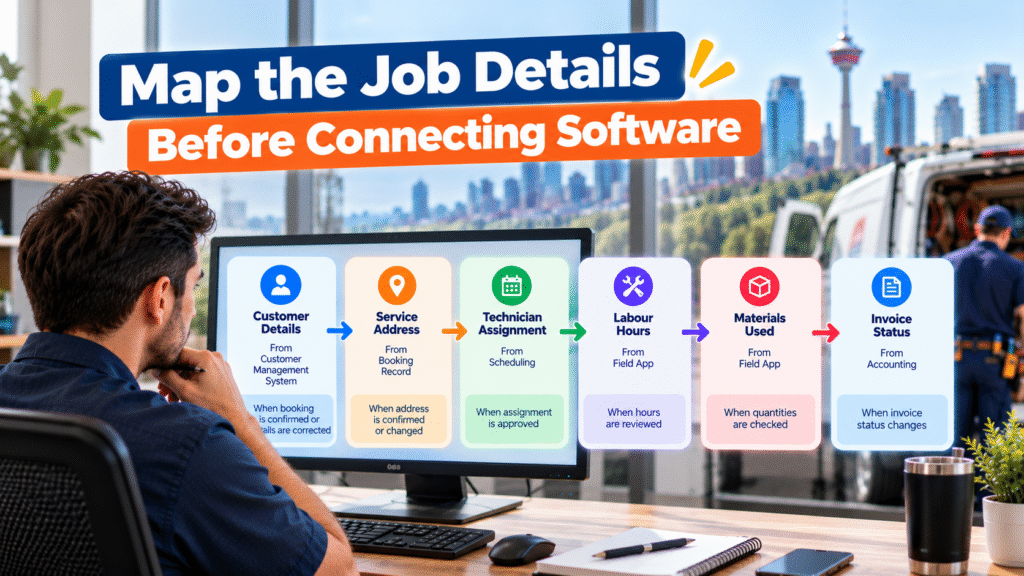
Consider a hypothetical plumbing service call. A customer books a repair, dispatch assigns a technician, and the technician records the completed work. The office then prepares an invoice.
The table shows how information might move during that job. It is a planning example, not a setup every company should copy.
| Job detail | Example source | Receiving tool | When it may move |
|---|---|---|---|
| Customer name and contact details | Customer management system | Job management | Booking confirmed or details corrected |
| Service address | Booking record | Dispatch | Address confirmed or changed |
| Technician assignment | Scheduling | Technician’s field app | Assignment approved |
| Labour hours | Field app | Billing | Hours reviewed |
| Materials used | Field app | Billing | Quantities checked |
| Invoice status | Accounting | Job management | Authoritative invoice status changes |
The source, destination and trigger depend on the company’s tools and approval process. For each row, ask: Does an employee currently copy this detail, and what must happen before it can move safely?
A confirmed address may need to reach dispatch promptly. Labour and materials need checks before they support an invoice. Those are different handoffs and should not share one automatic approval rule.
Give each detail an authoritative source
A plumbing company should decide which system controls each important record. Its customer management system might hold current contact information, its field app might record labour and materials, and accounting might hold invoice and payment status. Other tools receive the details they need without becoming competing records.
This matters when someone makes a correction. If a customer changes the service address, staff should know where to save the correction and which tools must receive it. If two systems disagree, the workflow should flag the difference for an employee to resolve.
For each detail, document its authoritative source, the event that sends an update and the person responsible when the update fails.
Use connections and rules for routine transfers
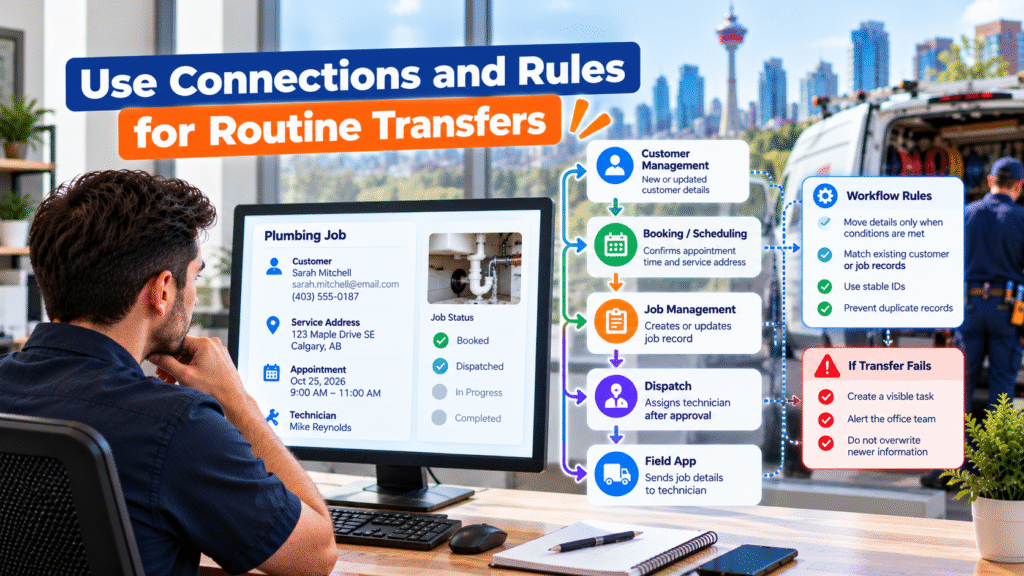
Where software supports a reliable connection, customer details, addresses and appointment times may move between tools without being typed again.
Workflow rules determine when that movement is appropriate. A confirmed booking might create or update a job record. A technician assignment might reach the field app only after dispatch approves it. A failed transfer should create a visible task rather than leave the team assuming the update arrived.
The workflow must also avoid duplicate records. If a customer already exists in the receiving system, the company needs an agreed way to match and update that record. Where possible, use stable customer or job IDs. If a match is uncertain, send it to an employee for review instead of automatically creating or changing a record.
For example, a customer corrects the service address after booking. The booking record changes, but the dispatch system does not receive the update. The workflow should record the failed transfer and alert the office so a dispatcher can confirm the address before the technician leaves. It should also prevent an older address update from overwriting the correction later.
Diligentic’s system integration service addresses connections between customer, job, invoicing and accounting tools. Which details can move depends on the systems a plumbing company uses.
Use AI to help review unclear notes
Technician notes do not always arrive in defined fields. A plumber might write: “Replaced valve. Customer also asked about the second bathroom.”
AI could suggest that the first sentence describes completed work and the second describes a separate request. Its interpretation may miss context or be wrong. An employee should check the original note before changing the job scope, recording an approval or using the information for billing.
AI can also flag a note such as “need to return” when it does not say why a return visit is needed. It should not invent a part, date or customer permission.
Software integration transfers information between systems. Workflow rules control when updates happen, and AI can help interpret notes or messages that need additional processing. Employees review important decisions and exceptions.
Protect billing and payment records
A technician marking a field task complete does not necessarily make the job ready to invoice. Labour hours, material quantities, agreed pricing or required approvals may still need review.
When the required details are present, a workflow may prepare an invoice draft from approved information. A billing employee can check it against the job and agreement before sending it. Missing details should go to the person who can resolve them.
The company should also define which system provides the authoritative invoice payment status. If payment processing and accounting happen in separate tools, the workflow may need to account for partial payments, refunds, settlement delays and failed updates before marking an invoice as paid. Staff should check the current financial record before sending a payment reminder.
Measure whether repeated entry has fallen
Take a sample of similar plumbing jobs before changing the process. Record where staff re-enter information, correct mismatched records or chase missing details. Repeat the check after improving one handoff.
| Measure | What it shows |
|---|---|
| Admin minutes per job | Time spent copying, checking and correcting details |
| Duplicate customer or job records | Whether records are being created unnecessarily |
| Jobs missing closeout details | How often billing needs another field update |
| Invoice corrections | Whether transferred details support accurate drafts |
| Failed transfers | Whether connected tools stay in agreement |
| Completion-to-invoice time | Whether the billing handoff moves sooner |
Track customer payment timing separately. Preparing an accurate invoice sooner does not guarantee when the customer will pay.
Begin with booking and dispatch
A manageable first project is moving a confirmed booking into the job and dispatch records. List the details the office currently copies, identify the authoritative source and agree on the trigger for each transfer.
Test a new customer, an existing customer, a corrected address, a missing phone number and a failed update. The team should know what happened in every case and who owns the next step.
Once that handoff works, examine field notes and billing. Diligentic’s process automation service can help map the rules, approvals and exceptions around these transfers. Its plumbing industry page shows how those handoffs relate to the wider service workflow.
Frequently asked questions
What is plumbing data entry automation?
It is a way to transfer appropriate customer and job details between tools under defined rules, reducing the need for staff to type the same information again.
Does every transfer need AI?
No. Many transfers need a software connection and clear rules. AI may help interpret a customer message or technician note, with employees checking important details.
Can a plumbing company keep its current software?
Possibly. First check what each tool can share, which records it controls and whether its available connections support the required workflow.
Should a completed job automatically create an invoice?
A completion status alone is not enough. The required labour, materials, price and approvals must be present under the company’s billing process. An invoice draft can then be prepared for review.
Which repeated entry should a company fix first?
Start with a frequent, well-defined handoff, such as customer and address details moving from a confirmed booking to dispatch. Test corrections, uncertain record matches and failed transfers before expanding it.
Stop entering the same plumbing job details twice
If your office copies customer, appointment or job information between tools, map one detail from its original record to its next use. That exercise can show whether the team needs a clearer rule, a software connection or a review step.
Diligentic helps Calgary plumbing companies assess those handoffs around their existing systems. Book a discovery call to review one repeated entry point in your business.
About the author
Ajay Kumar
Founder and Director
About the author
Ajay Kumar is the founder and director of Diligentic Infotech, a Calgary AI automation company. He has 9+ years of hands-on technical experience and now focuses on helping small and medium businesses connect their existing tools and cut down manual work through practical AI automation. He leads with a clear focus on real, working solutions over one-time demos.
Posted on 6 Jul 2026
Why Calgary Plumbing Companies Struggle with Plumbing Job Management Software and Still Lose Revenue in 2026: How AI Automation Fixes It
Calgary plumbing companies are booking more jobs, managing more technicians, and handling more customer requests. But more work does not always mean more profit. Many owners still deal with late invoices, slow payments, missed follow-ups, scheduling confusion, and an overloaded office.
Posted on 8 Jul 2026
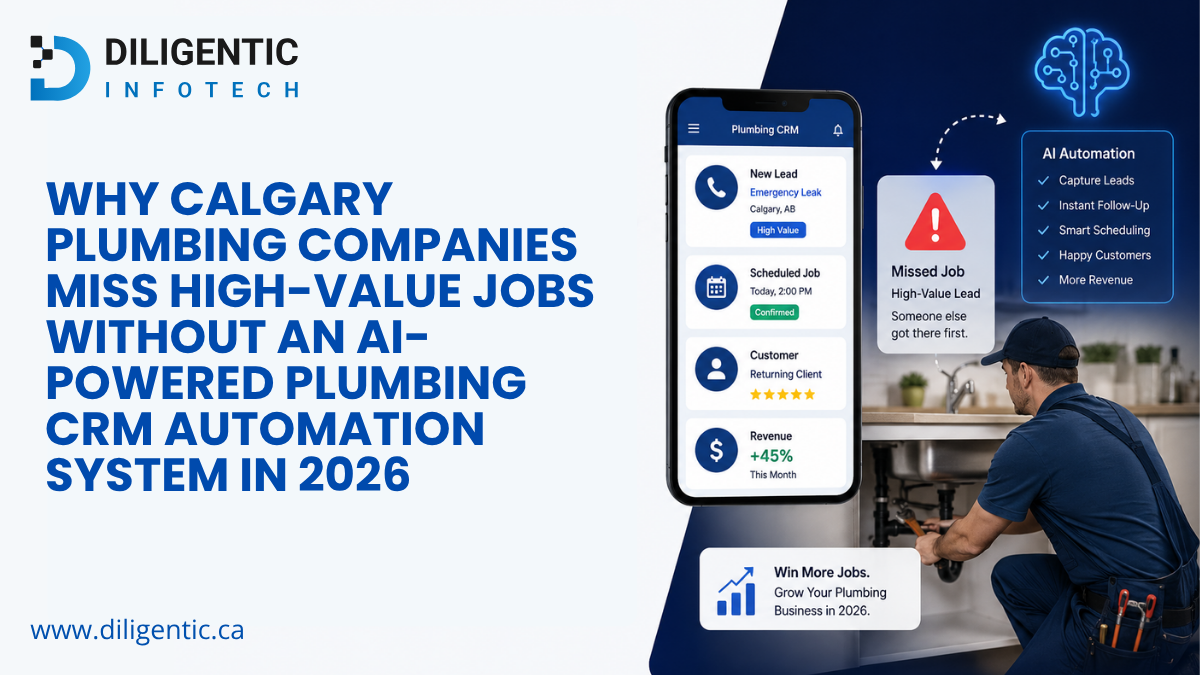
Why Calgary Plumbing Companies Miss High-Value Jobs Without an AI-Powered Plumbing CRM Automation System in 2026
Calgary Plumbing Companies are not always losing high-value jobs because they lack leads. Many are losing opportunities after the lead arrives.
They invest in SEO, Google Ads, referrals, local service pages, and repeat customer marketing. But when nobody follows up quickly, quotes sit untouched, CRM reminders are missed, and the office team is buried in manual work, those leads quietly turn into lost revenue.

Posted on 21 May 2026
How Field Service Management Software Improves HVAC, Plumbing, and Electrical Operations
Field service management software connects the work that happens in the office with the work technicians complete in the field. It gives HVAC, plumbing, and electrical businesses one reliable process for receiving a service request, assigning the right person, recording job details, invoicing the customer, and reviewing performance.